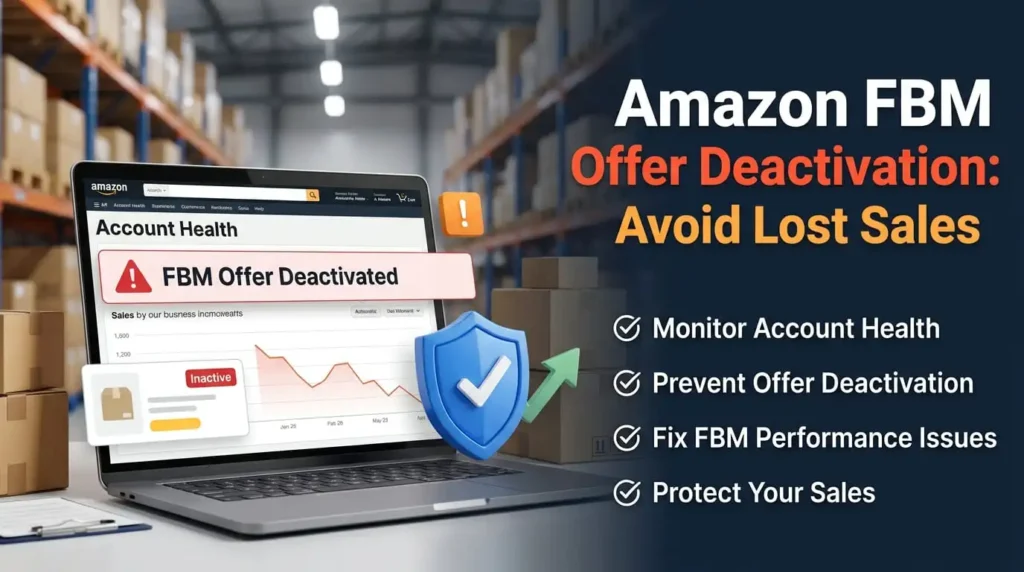



An FBM offer can go offline without the rest of your catalog disappearing. Since August 31, 2026, Amazon has been able to temporarily deactivate an individual Fulfilled by Merchant offer when that offer puts Account Health at risk under specified performance policies.
That is a narrower enforcement action than a broad account-level suspension, but it can still interrupt sales on a product that depends on seller-fulfilled delivery. A deactivated offer may also leave inventory, advertising, and customer demand out of sync. The right response is to find the metric behind the notice, fix the operational cause, and follow the reactivation instructions in Seller Central.
| WHAT AMAZON HAS CONFIRMED: Amazon names four policy areas in the new offer-level process: Cancellation Rate, Late Shipment Rate, Order Defect Rate, and On-Time Delivery Rate. It says the affected offer is temporarily deactivated, other active listings remain active, and sellers receive a warning email before deactivation. |
What changed on August 31, 2026?
Amazon’s update applies to US FBM offers. When an FBM offer puts Account Health at risk under the listed performance policies, Amazon can temporarily deactivate that offer. The announcement says the seller’s other active listings and overall Account Health are not impacted by this specific offer-level action. Sellers can find affected offers in Account Health under Other Policy Violations and follow the instructions shown to reactivate them.
There is an important limit to what Amazon has explained publicly. The announcement names the four policy areas, but it does not publish a formula showing exactly how Amazon selects an individual offer when the underlying metric is measured across multiple orders. It also does not promise a fixed warning period or a universal reactivation time. Do not assume every metric breach produces an immediate offer deactivation, and do not treat a general account metric threshold as a published offer-level trigger algorithm.
The four FBM performance policies to watch
| Policy | What it measures | General US policy guardrail |
|---|---|---|
| Cancellation Rate | Seller-cancelled orders as a share of total seller-fulfilled orders over a 7-day period. | Keep below 2.5%. |
| Late Shipment Rate | Seller-fulfilled orders confirmed as shipped after the expected ship date, measured over 10-day and 30-day periods. | Keep below 4%. |
| Order Defect Rate | Seller-fulfilled orders with negative feedback, an A-to-z Guarantee claim, or a credit-card chargeback, measured over 60 days. | Keep below 1%. |
| On-Time Delivery Rate | Seller-fulfilled orders delivered on or before the promise date shown to the customer. | At least 90% without promise extensions; Amazon recommends 95% or higher for a strong customer experience. |
These are general policy requirements and operating guardrails, not a complete disclosure of Amazon’s new offer-level decision logic. Use the live Account Health dashboard and current Seller Central policy pages for the exact measurement periods and status shown for your account.
Why FBM offers are at risk: the operational causes
1. Cancellation Rate rises when inventory is not reliable
A seller may list units that are not actually available, oversell across channels, rely on an inaccurate 3PL feed, or miss an order that requires manual confirmation. Amazon counts seller-initiated cancellations and certain automatic cancellations caused by failure to confirm shipment within the allowed time. A good prevention system reserves stock, syncs inventory frequently, and escalates low-stock SKUs before they are oversold.
2. Late Shipment Rate rises when handling promises are unrealistic
A carrier pickup that is missed, a warehouse cutoff that is set too late, or an order confirmed after the expected ship date can affect LSR. Confirm shipment when the carrier has actually taken possession of the parcel, use realistic handling times, and make sure weekends, holidays, and warehouse capacity are reflected in shipping settings.
3. Order Defect Rate rises when the customer experience breaks down
Negative seller feedback, A-to-z claims, and chargebacks can all contribute to ODR. Frequent causes include products arriving damaged, incorrect items, missing components, poor packaging, inaccurate descriptions, and customer contacts that are not resolved. Review each defect at the order and ASIN level. Removing a negative signal without fixing the underlying issue will not stop the next one.
4. On-Time Delivery Rate falls when the promise does not match delivery reality
A seller can confirm an order on time and still deliver it late. Transit time, the carrier’s service level, destination mix, weather, missed scans, and inaccurate shipping templates all matter. Amazon’s US policy requires at least 90% OTDR without promise extensions for seller-fulfilled products to remain listed, and recommends 95% or more for a strong customer experience. FBA offers are not subject to this seller-fulfilled delivery requirement because Amazon controls the delivery promise.
How to prevent an offer from being deactivated
- Create an offer-level exception report. Track every FBM SKU against cancellations, late confirmations, delivery promises, A-to-z claims, negative feedback, and chargebacks. A catalog-wide average can hide one SKU, warehouse, or carrier that is creating the risk.
- Set a realistic handling-time promise. Use actual warehouse cutoffs, working days, staffing, carrier pickup schedules, and product preparation time. A fast promise that the operation cannot meet is worse than a slightly longer promise delivered consistently.
- Synchronize inventory before demand peaks. Keep a safety buffer for multi-channel inventory, review 3PL feed latency, and block sales when physical stock is not available. This prevents both seller cancellations and late fulfilment caused by last-minute stock searches.
- Use carriers that fit the delivery promise. Compare on-time performance by service level and destination. A cheaper service that regularly misses the promise can cost more through claims, feedback, and offer downtime.
- Build a customer-defect feedback loop. Review product damage, wrong-item, missing-part, and description-mismatch returns. Fix packaging, pick/pack checks, product images, and listing details where the data shows a pattern.
- Monitor warnings, not just the final status. Route Amazon performance emails to an accountable owner, review Account Health daily, and maintain a backup contact for weekends and peak periods. The warning email may be the first practical signal that an offer is approaching deactivation.
What to do when Amazon deactivates an FBM offer
Move quickly, but do not submit a generic appeal before you understand the cause. Work through the offer-specific notice and preserve the evidence that explains what happened.
- Open the warning email. Identify the ASIN or offer, the named policy, the time period, and the correction Amazon expects. Save the email and any linked case details.
- Go to Account Health. Find the offer under Other Policy Violations and read the reactivation instructions. The exact appeal route is the one presented for that offer.
- Pull the underlying order records. Match the affected metric to order IDs, warehouse, carrier, handling time, tracking, customer contact, and return or claim history.
- Fix the root cause before submitting. Correct the inventory feed, adjust handling time, change an unreliable service level, retrain pick/pack staff, or address a recurring quality issue. A Plan of Action should describe the change that is already in place.
- Submit concise evidence. Provide the specific corrective steps, dates, supporting order records, carrier evidence, screenshots, and preventive controls requested by Amazon. Avoid claims that cannot be supported.
- Verify the offer is live and monitor it. After reinstatement, check the buyable status, available quantity, shipping template, and affected advertising. Keep monitoring the same metric to confirm the underlying issue has not returned.
Do not try to bypass a deactivation by creating a duplicate offer or changing identifiers to disguise the same problem. The durable route is to correct the fulfillment or customer-experience failure and use the reinstatement path Amazon provides.
A simple daily FBM health routine
| When | What to check | Why it matters |
|---|---|---|
| Start of day | Unshipped orders, stock exceptions, handling-time cutoffs, and carrier capacity. | Prevents missed confirmations and avoidable cancellations. |
| Midday | Orders approaching ship-by time, 3PL exceptions, label and tracking problems. | Catches a late shipment before the cutoff passes. |
| End of day | Shipment confirmations, carrier acceptance scans, open buyer messages, and return/claim alerts. | Closes the loop and preserves evidence. |
| Weekly | Metric trend by SKU, warehouse, carrier, and destination; Account Health notices; top return reasons. | Finds recurring causes before they threaten an offer. |
If the operational work is spread across several people, it helps to assign one owner for the Account Health dashboard and one owner for warehouse exceptions. The handoff should be clear: who receives the warning, who investigates the metric, who fixes the cause, and who submits the evidence.
Alpha Spikes’ Full-Service Account Management service includes Account Health monitoring, policy compliance checks, FBM support, and seller-performance improvement. If an offer needs a separate catalog or reinstatement fix, the team can also review the Amazon Listing Reinstatement service. For a wider account or ASIN suspension, see Account Suspension Assistance.
Frequently asked questions
Does Amazon deactivate the whole account under the new FBM rule?
For the offer-level performance process announced for August 31, 2026, Amazon says it temporarily deactivates the affected FBM offer while other active listings and overall Account Health remain unaffected by that specific action. Other policy violations or separate account-level issues can still have their own consequences.
Which metrics can trigger FBM offer deactivation?
Amazon lists Cancellation Rate, Late Shipment Rate, Order Defect Rate, and On-Time Delivery Rate.
Does every metric breach automatically deactivate an offer?
Amazon’s announcement does not publish a complete offer-selection formula or say that every breach causes immediate deactivation. Sellers should treat the published metric thresholds as operating guardrails and follow the warning and Account Health instructions for their specific offer.
Where can I find a deactivated FBM offer?
Open Account Health in Seller Central and check Other Policy Violations. Amazon says the affected offer and its reactivation instructions are shown there.
Should I change the shipping template after deactivation?
Only when the evidence shows the current handling or transit promise is part of the root cause. A realistic handling time and reliable carrier service are better than a fast promise the operation cannot meet.
Protect the offer before it goes dark
Offer-level deactivation is a warning that Amazon expects reliable performance at the product level, not just an acceptable account-wide average. The most effective protection is a daily operating routine that connects stock accuracy, ship-by discipline, delivery performance, product quality, and Account Health monitoring.
When one SKU starts to slip, fix the cause early. When several offers are at risk or the reinstatement process becomes complex, Alpha Spikes can help manage the account, investigate the issue, and coordinate the recovery workflow.