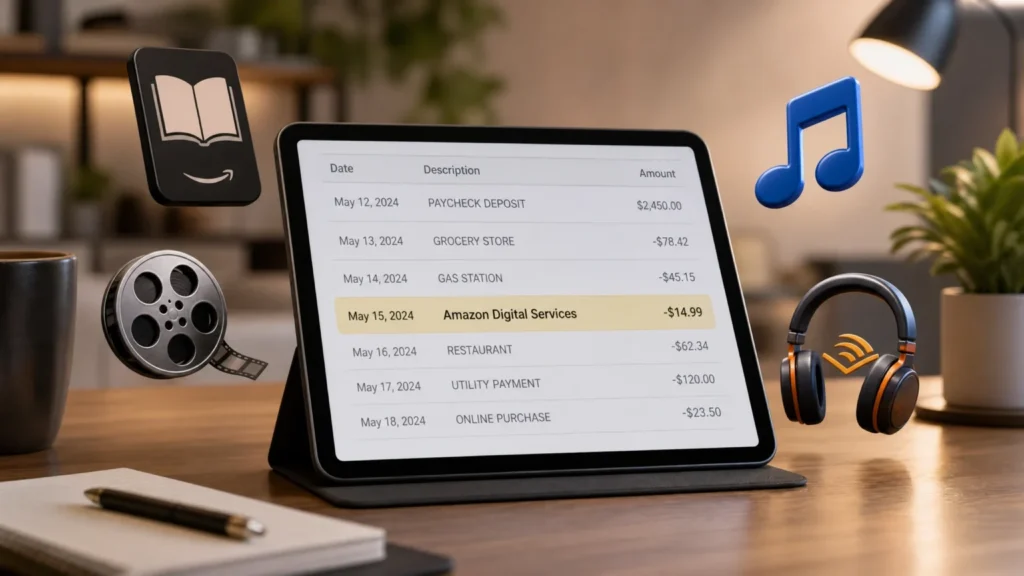
If you saw “Amazon Digital Services,” “AMZN Digital,” or “Amazon Digital Svcs” on your bank statement, you are not alone. Many Amazon customers notice this charge and think it might be fraud.
In most cases, it is a real Amazon charge. It usually comes from a digital subscription, a movie rental, a Kindle purchase, an audiobook plan, an app, a game, or a free trial that turned into a paid plan.
Amazon Digital Service is not one single product. It is a billing label Amazon may use for non-physical purchases and subscriptions delivered through your Amazon account.
TL; DR: Amazon Agency
- Amazon Digital Service is a billing label for Amazon’s digital products and subscriptions.
- It can include Kindle, Audible, Prime Video, Amazon Music, apps, games, movie rentals, and in-app purchases.
- A $9.99 charge often comes from a Prime Video channel, app subscription, digital add-on, or free trial renewal.
- To check the charge, review Memberships & Subscriptions, Digital Orders, Prime Video Channels, and Amazon Pay.
- To stop charges, cancel the active subscription and turn off auto-renewal.
- If you do not recognize the charge, contact Amazon support and your bank.
- For sellers, Amazon Digital Services Fee is different from customer digital subscription charges.
What Is Amazon Digital Service?
Amazon Digital Service means digital content or online services sold through Amazon. These are products you do not receive in a box.
A simple example is a Kindle eBook. Another example is a Prime Video channel, Audible membership, Amazon Music Unlimited plan, movie rental, TV episode purchase, app download, or in-app purchase.
So, when people ask “what is amazon digital service,” the clearest answer is this: it is Amazon’s billing category for digital purchases, subscriptions, and virtual content connected to your Amazon account.
It can also appear under names like Amazon Digital Services LLC, AMZN Digital Svcs, Amazon Digital, or Amazon.com Digital.
Why Is Amazon Digital Services Charging Me?
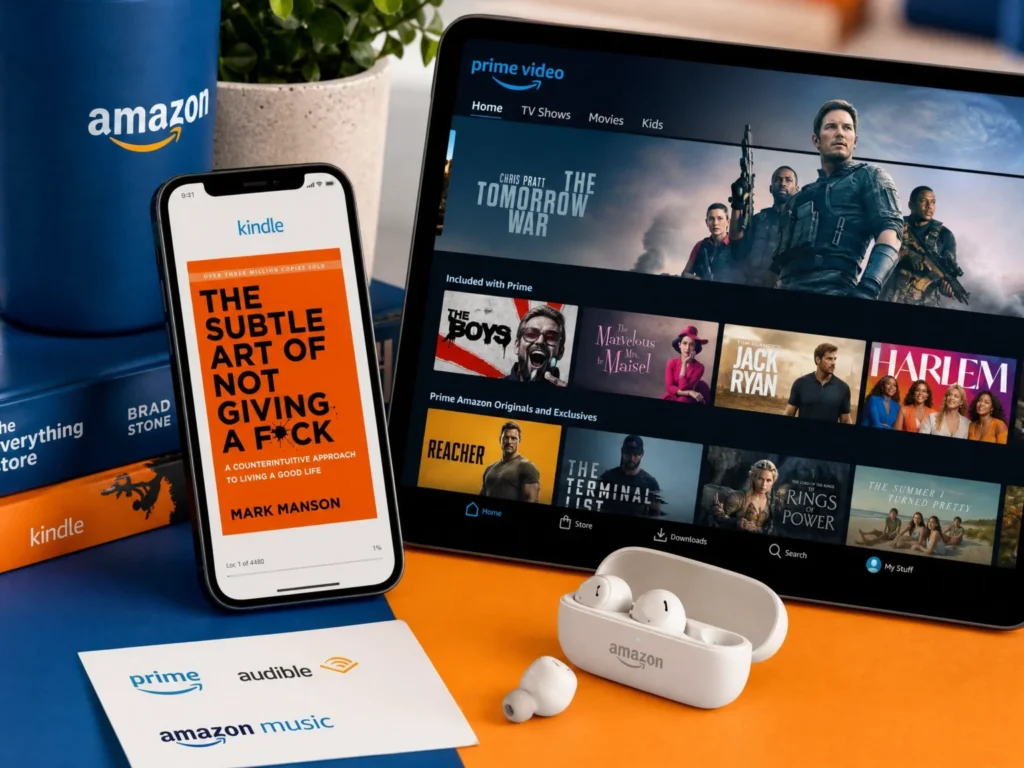
Amazon Digital Services may charge you because you bought digital content, started a subscription, renewed a plan, or forgot about a free trial.
The most common reasons are:
| Charge reason | What it usually means |
|---|---|
| Subscription renewal | A monthly or yearly digital plan renewed |
| Free trial ended | A trial changed into a paid plan |
| One-time digital purchase | You bought an eBook, movie, app, game, or software |
| Prime Video add-on | A paid channel was added inside Prime Video |
| Family account use | Someone in your household made a purchase |
| In-app purchase | A purchase was made inside an app or game |
| Amazon Pay | A third-party site charged your Amazon payment method |
Many people forget that Amazon has several digital products under one account. That is why a charge can look new even when it came from an old subscription.
What Is the Charge for Amazon Digital Services?
The charge for Amazon Digital Services depends on the product. There is no single Amazon Digital Services price.
Some charges are monthly. Some are yearly. Others are one-time purchases.
| Amazon digital product | Common price type |
| Amazon Prime | Monthly or annual membership |
| Prime Video standalone | Monthly streaming plan |
| Kindle Unlimited | Monthly reading subscription |
| Audible | Monthly audiobook membership |
| Amazon Music Unlimited | Monthly or annual music plan |
| Prime Video Channels | Monthly add-on channel fee |
| Movie rentals | One-time rental charge |
| TV episode purchases | One-time purchase |
| Kindle eBooks | One-time purchase |
| Apps and games | One-time or in-app purchase |
Prices can change by country, plan type, tax, promotion, and billing method. App Store or Google Play billing may also change the final amount.
What Is the 9.99 Amazon Digital Services Charge?
$9.99 Amazon Digital Services charge usually points to a digital subscription or add-on, but it is not always the same service for every customer.
It may be a Prime Video channel, an older Amazon Music plan, an app subscription, a digital game add-on, or another monthly subscription tied to your account.
Do not guess based only on the amount. The same $9.99 price can appear for many digital products.
The best way to confirm it is to check three places:
- Your Memberships & Subscriptions
- Your Digital Orders
- Your Amazon Pay transactions
If you share your Amazon account with family, also check household devices. A child, spouse, roommate, or shared Fire TV user may have started a trial or bought digital content without realizing it would renew.
What Services Are Included in Amazon Digital Services?
Amazon Digital Services can include many content types and online products.
Common examples include:
Category | Examples |
| Reading | Kindle eBooks, Kindle Unlimited, magazines, comics |
| Audio | Audible audiobooks, Audible Originals, podcasts |
| Video | Prime Video, movie rentals, TV purchases, add-on channels |
| Music | Amazon Music Unlimited, digital music purchases |
| Apps and games | Amazon Appstore apps, games, in-app purchases |
| Storage | Amazon Photos plans and storage |
| Software | Digital software or game downloads where available |
| Publishing | Kindle Direct Publishing for eBooks |
Amazon’s digital ecosystem is large, so one billing label can cover many different things.
Is Amazon Digital Services the Same as Amazon Prime?
No. Amazon Prime and Amazon Digital Services are not the same thing.
Amazon Prime is one paid membership. It includes benefits like shipping, Prime Video access, Prime Reading, Amazon Photos benefits, deals, and other perks.
Amazon Digital Services is a wider billing category. It can include Prime, but it can also include many things outside Prime.
Feature | Amazon Prime | Amazon Digital Services |
| What it is | A membership plan | A billing category |
| Includes shipping? | Yes | Usually no |
| Includes digital content? | Yes, some | Yes, many types |
| Can appear on statement? | Yes | Yes |
| Can include add-ons? | Some | Yes |
| Always a subscription? | Usually | No, can be one-time |
This is why you may see Amazon Prime and Amazon Digital Services as separate charges. One might be your Prime membership, while the other might be Kindle Unlimited, Audible, a video channel, or a rental.
Is Amazon Digital Services a Scam?
Usually, Amazon Digital Services is not a scam. It is a real billing label used for Amazon digital content and subscriptions.
But that does not mean every charge is safe. A charge may still be unauthorized if someone accessed your account, used your saved card, or made a purchase without your permission.
Treat it as suspicious if:
- Your Amazon account shows no matching order.
- You do not recognize the account linked to the card.
- The charge repeats but no subscription appears.
- Your email has password reset alerts or sign-in warnings.
- Your bank statement shows a strange merchant name that does not match Amazon.
In that case, change your Amazon password, check your payment methods, remove unknown devices, and contact Amazon support. If Amazon cannot find the charge, contact your bank.
How to Check Which Amazon Digital Charge Is on Your Account
Start inside your Amazon account before calling your bank. Most charges can be traced if you check the right pages.
First, open Amazon and sign in to the account linked to your card.
Go to Account & Lists.
Open Your Memberships & Subscriptions.
Look for active plans like Kindle Unlimited, Audible, Amazon Music Unlimited, Prime Video Channels, Amazon Kids+, or app subscriptions.
Then check Your Orders and filter for Digital Orders.
Look for Kindle books, movie rentals, TV purchases, apps, games, and software.
Next, check Content & Devices. This helps you see Kindle content, registered devices, and digital items connected to the account.
Finally, check Amazon Pay if the charge may have come from a third-party website or app.
If you have more than one Amazon account, repeat the same steps on each account. Many mystery charges come from an old account using the same card.
How to Cancel Amazon Digital Services
The cancellation path depends on the exact service, but most Amazon digital subscriptions start from the same area.
- Go to Amazon.
- Open Account & Lists.
- Select Memberships & Subscriptions.
- Find the service you want to stop.
- Select Manage Subscription.
- Choose Cancel Subscription.
- Follow the final confirmation screens.
- Do not stop after the first cancel screen. Amazon may show offers, pause options, or warnings before the final cancellation.
- After canceling, check the renewal date. Many services stay active until the end of the paid billing cycle.
How to Cancel Prime Video Add-On Channels
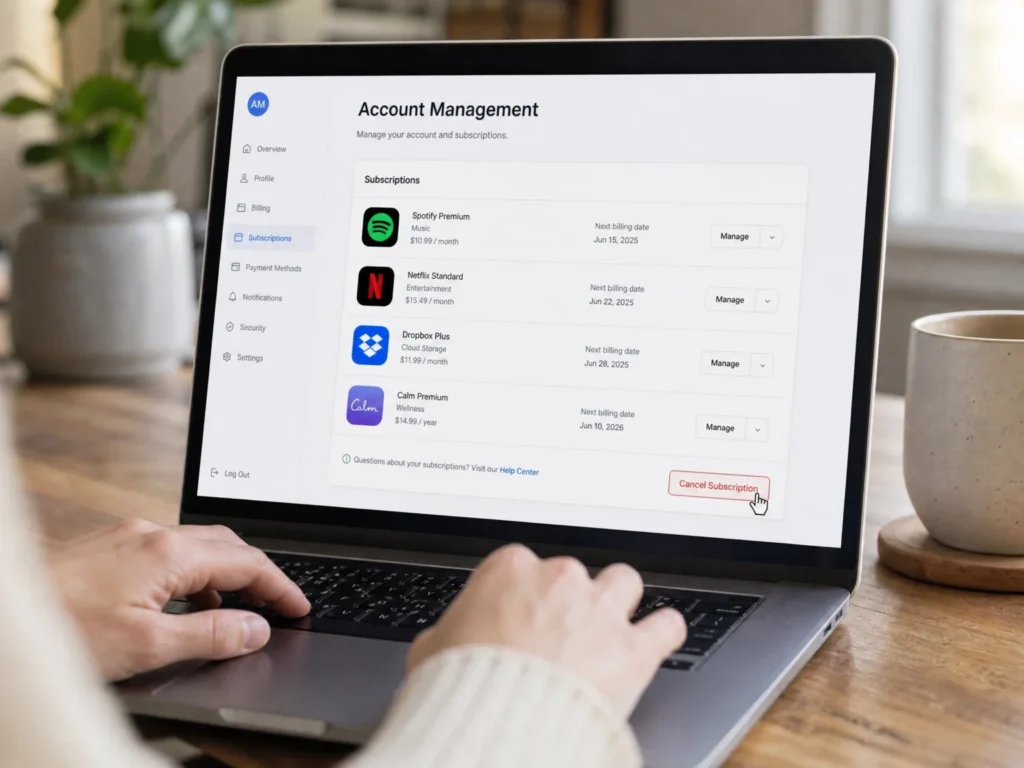
Prime Video add-on channels are a common reason for unexpected Amazon Digital charges.
These may include premium networks, sports channels, kids channels, or entertainment add-ons. Some start with a free trial and then renew monthly.
To cancel them:
- Go to Prime Video settings or Memberships & Subscriptions.
- Find the channel.
- Select Cancel Channel.
- Confirm the cancellation.
If you canceled Amazon Prime but still see a video charge, check whether a Prime Video channel or standalone Prime Video subscription remained active.
Can You Get a Refund for Amazon Digital Services?
Sometimes, yes. Refunds depend on the service, timing, use, and Amazon’s policy for that digital item.
You may have a better chance if the purchase was accidental, unused, recent, or made by a child or family member without approval.
For Kindle books, check the Digital Orders area for a return option.
For Prime Video purchases, check Your Transactions or Prime Video order history.
For subscriptions, cancel first to stop future charges. Then contact Amazon support and ask if the latest charge is eligible for a refund.
Use clear wording when contacting support:
“I found an Amazon Digital Services charge on my bank statement. I do not recognize it. Can you match it to the order, subscription, transaction ID, or account that created it?”
If Amazon says the charge is not on your account, ask whether it may be tied to another account using your card.
Why Family or Household Purchases Cause Confusion
Shared Amazon accounts create many billing surprises.
A family member may rent a movie on Fire TV. A child may buy an in-app item. Someone may start a Prime Video channel trial. Another person may use Alexa voice purchasing.
The bank statement may only show Amazon Digital Services, not the person who made the purchase.
To prevent this, check your household settings, parental controls, Fire TV purchase settings, Alexa voice purchasing, and saved payment methods.
You can also remove old devices from your Amazon account if you no longer use them.
What Is Amazon Digital Services LLC?
Amazon Digital Services LLC is a business name connected with Amazon’s digital services. It may appear on statements, invoices, account records, or digital purchase details.
For customers, the meaning is simple. It usually points to a digital Amazon product rather than a shipped physical item.
It does not always mean you signed up for a new service called “Amazon Digital Services LLC.” It is often just the company or billing name behind the charge.
Is Amazon Digital Services the Same as AWS?
No. Amazon Digital Services and Amazon Web Services are different.
Amazon Digital Services usually refers to consumer digital content like Kindle, Audible, Prime Video, Amazon Music, apps, and subscriptions.
AWS is Amazon’s cloud computing platform for developers, companies, websites, apps, servers, databases, storage, and business tools.
A normal customer seeing “Amazon Digital Services” on a credit card statement is usually dealing with a consumer Amazon account, not AWS.
What Is the Amazon Digital Services Fee for Sellers?
There is another meaning of Amazon Digital Services that sellers should know.
Amazon introduced a Digital Services Fee, often called DSF, for certain marketplace sellers. This is different from a customer’s Kindle, Audible, or Prime Video charge.
The seller DSF is tied to digital services taxes in some countries. It can apply to certain Selling on Amazon fees and FBA fees, depending on the seller’s location and the Amazon store where the sale happens.
This matters for marketplace sellers because it can affect profit margins.
For example, a seller may see a DSF line in Seller Central reports or payment transaction details. That does not mean the seller bought Amazon Music or Kindle Unlimited. It means Amazon added a seller-side fee related to marketplace costs and digital tax rules.
US sellers selling domestically in the US store should not treat this the same way as a customer subscription charge. Always review the Seller Central transaction view before adjusting prices.
Can You Sell Digital Downloads on Amazon?
You can sell some digital products through Amazon, but not every type of digital download is allowed.
The most common approved path is Kindle Direct Publishing. KDP lets authors publish eBooks for the Kindle Store.
That is different from uploading a printable, PDF planner, template, ZIP file, or design download as a normal Amazon seller listing.
Regular third-party sellers generally cannot create normal standalone digital-download listings in the same way they might sell on Etsy or Gumroad. Some digital formats may need approved Amazon programs, KDP, Amazon Appstore, or other special paths.
If your goal is to sell eBooks, use KDP.
If your goal is to sell printables, templates, Canva files, digital art downloads, or PDFs, Amazon may not be the best first choice. Etsy, Shopify, Gumroad, Payhip, or your own website may be easier for that type of product.
Free vs Paid Amazon Digital Services
Not every Amazon digital service costs extra.
Some digital benefits are included with Prime. Some require separate paid plans. Others are one-time purchases.
| Type | Examples |
| Included with Prime | Prime Video included titles, Prime Reading, Amazon Photos photo benefits |
| Separate subscription | Kindle Unlimited, Audible, Amazon Music Unlimited, Prime Video Channels |
| One-time purchase | Kindle eBook, movie rental, TV episode, digital game |
| Free account feature | Some Amazon Photos storage, content management, device syncing |
This is where many users get confused. Something can be inside Amazon, available through Prime, and still cost extra.
A Prime Video channel is a good example. You may need Prime or Prime Video access to add the channel, but the channel itself can still have its own monthly fee.
How to Stop Future Amazon Digital Charges
- Canceling the current subscription is only step one. You should also prevent the next surprise charge.
- Review Memberships & Subscriptions once a month.
- Turn off auto-renewal for services you do not use.
- Cancel free trials before the billing date.
- Check Digital Orders after children use Fire TV, tablets, or apps.
- Turn off one-click purchasing where possible.
- Set parental controls for apps, games, and video purchases.
- Review Alexa voice purchasing settings.
- Remove old payment cards from unused Amazon accounts.
- Use a separate card for subscriptions if you want easier tracking.
- These small habits can prevent most mystery Amazon Digital charges.
Quick Answer: What Should You Do If You See the Charge?
If you see Amazon Digital Services on your statement, do this first:
- Check Memberships & Subscriptions.
- Check Digital Orders.
- Check Prime Video channels.
- Check Amazon Music, Audible, Kindle Unlimited, and app subscriptions.
- Check all Amazon accounts that may use the same card.
- Ask family members if they rented, bought, or subscribed.
- Cancel anything you do not want.
- Contact Amazon support if the charge still does not match.
- Contact your bank if Amazon cannot identify it or if you suspect fraud.
- Do not ignore a small recurring charge. A $9.99 or $11.99 monthly charge can add up quickly if it runs for months.
Final Thoughts
Amazon Digital Service is a broad billing label for Amazon’s digital products, subscriptions, and online content. It can include Kindle eBooks, Prime Video, Audible, Amazon Music, apps, games, movie rentals, and digital subscriptions.
Most charges are real, but they are not always easy to recognize from a bank statement.
The fastest way to solve the problem is to match the charge inside your Amazon account. Check Memberships & Subscriptions, Digital Orders, Content & Devices, Prime Video channels, and Amazon Pay.
If you are a seller, remember that Amazon Digital Services Fee is a separate seller-side issue. It is not the same as a customer subscription charge.
Once you find the source, cancel the subscription, request a refund if eligible, and update your account settings so the same charge does not come back next month.
FAQs About Amazon Digital Services
What is Amazon Digital Service?
Amazon Digital Service is a billing label for digital Amazon products, subscriptions, and online content. It can include Kindle, Prime Video, Audible, Amazon Music, apps, games, movie rentals, and other digital purchases.
Why is Amazon Digital Services charging me?
It usually means a digital subscription renewed, a free trial ended, or a one-time digital item was purchased. Check Memberships & Subscriptions and Digital Orders.
What is the 9.99 Amazon Digital Services charge?
A $9.99 charge may be a Prime Video channel, app subscription, older music plan, or another digital add-on. The amount alone is not enough to identify it.
Is Amazon Digital Services a scam?
Usually, no. It is often a real Amazon billing label. But if you cannot match the charge to any account or order, treat it as suspicious and contact Amazon and your bank.
How do I cancel Amazon Digital Services?
Go to Account & Lists, open Memberships & Subscriptions, choose the service, select Manage Subscription, and cancel it. Also check Prime Video channels and app subscriptions.
Can I get a refund for Amazon Digital Services?
Sometimes. Refunds depend on the product, timing, and whether the item was used. Contact Amazon support and ask them to review the charge.
Is Amazon Digital Services the same as Amazon Prime?
No. Amazon Prime is a membership. Amazon Digital Services is a wider billing label that can include Prime plus many other digital purchases and subscriptions.
Can you sell digital downloads on Amazon?
You can publish eBooks through Kindle Direct Publishing, but regular third-party sellers generally cannot sell normal standalone digital downloads like PDFs, templates, or printables through standard Amazon listings.